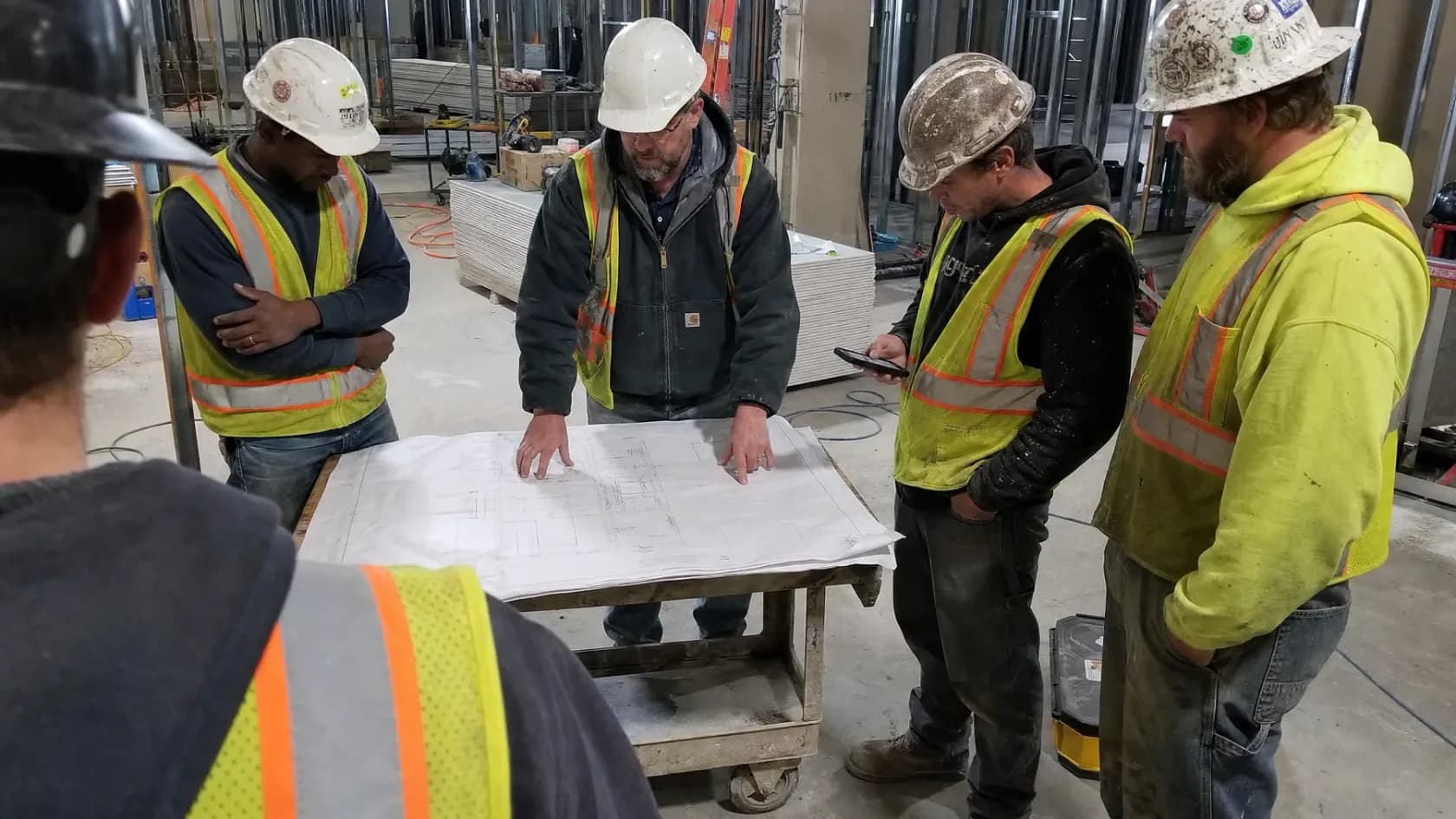
Drawings are the backbone of every construction job
If an AI system cannot understand the drawings, it cannot fully understand the project.
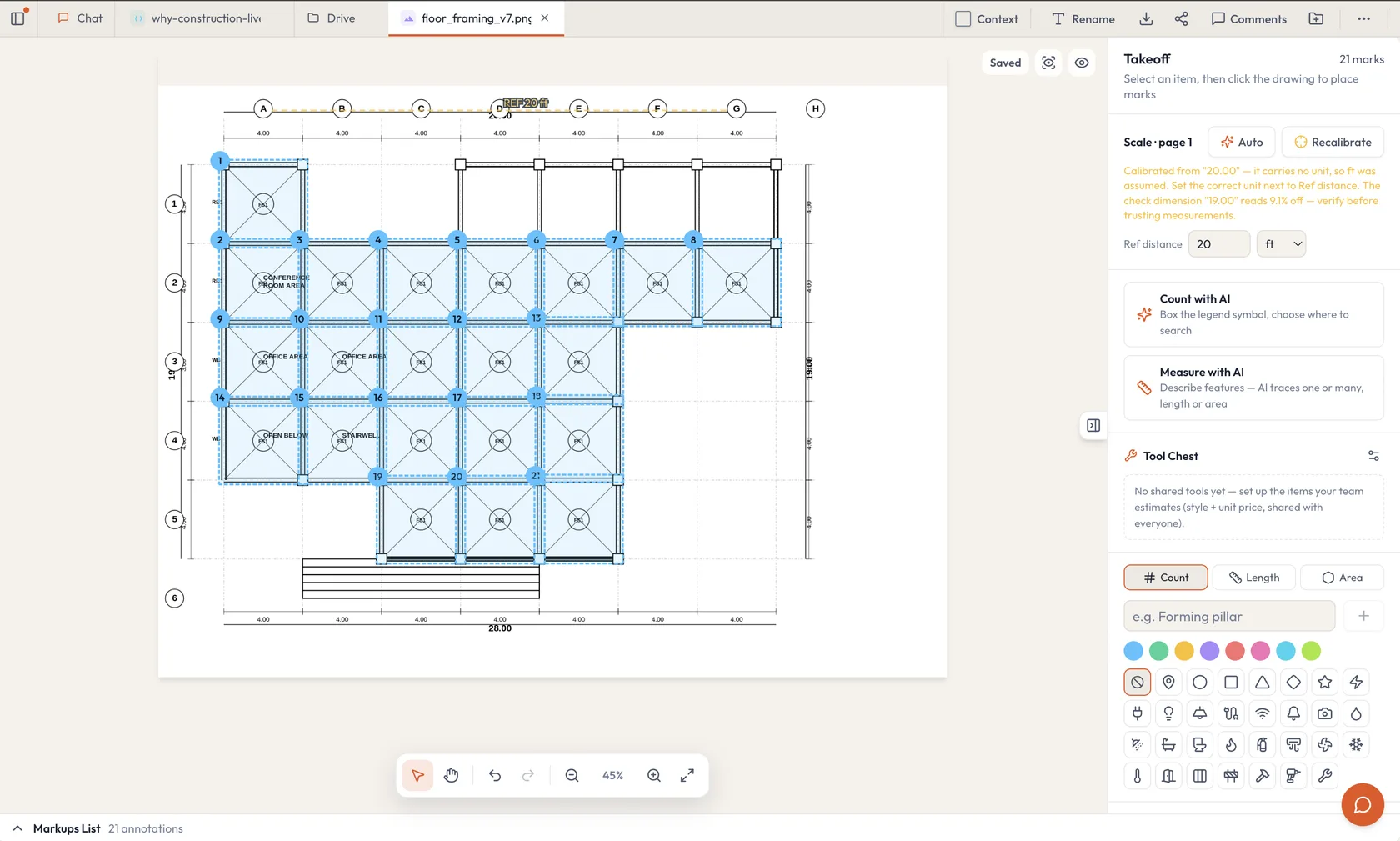
General AI tools can read text and answer questions about many file types. That can be useful. But understanding drawing means AI should be able to measure, trace quantities, cross reference information.
- Read the plan set: Work with construction documents in the context of the job.
- Quantify scope: Use purpose-built tools to support takeoff and estimating work.
- Check the result: Keep the estimator in control of review and judgment.
- Reuse the knowledge: Carry drawing insights into bids, reports, and project decisions.
Construction happens in the field, not only at a desk
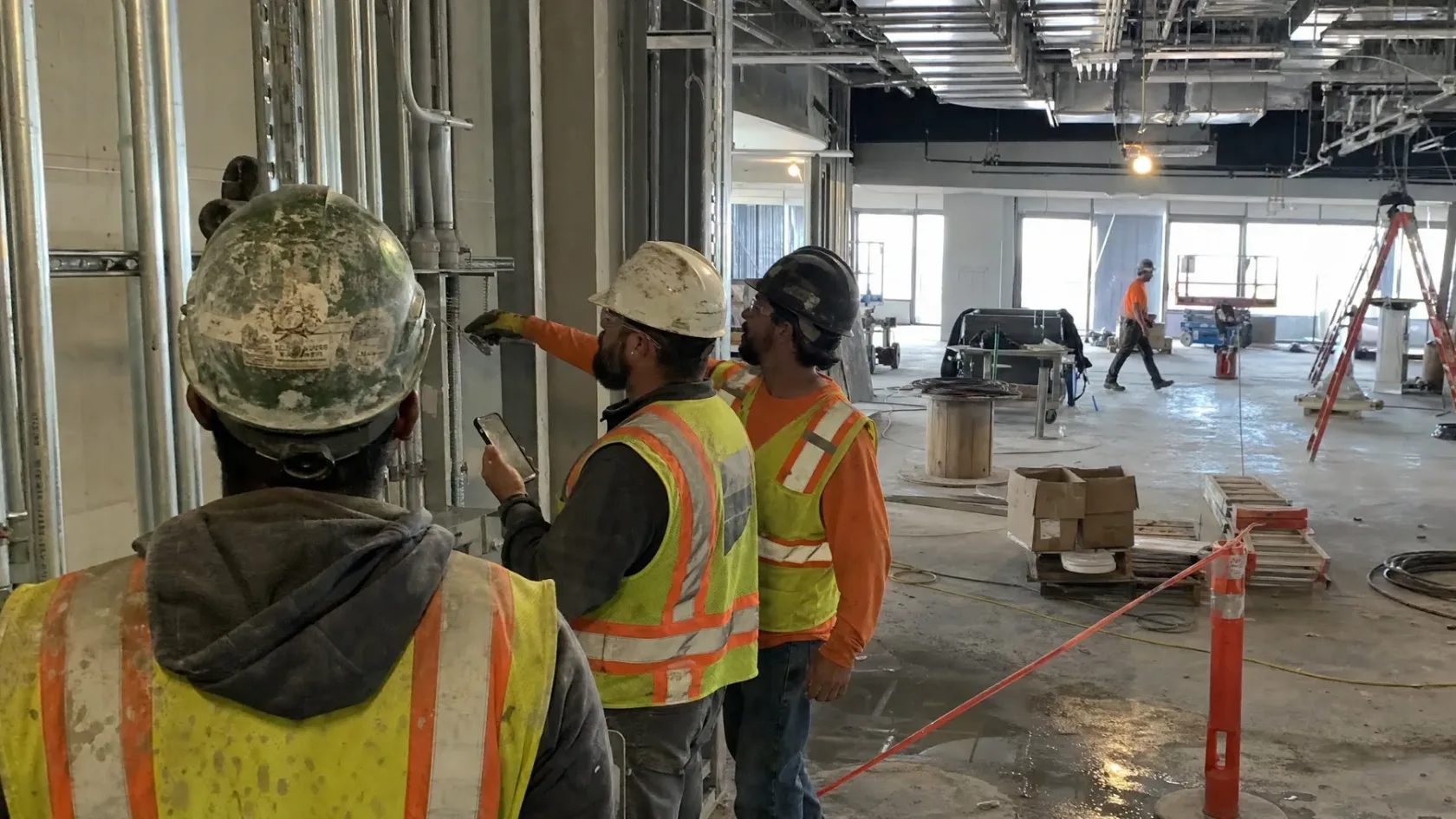
A construction platform must work for project managers, estimators, superintendents, coordinators, and field crews.
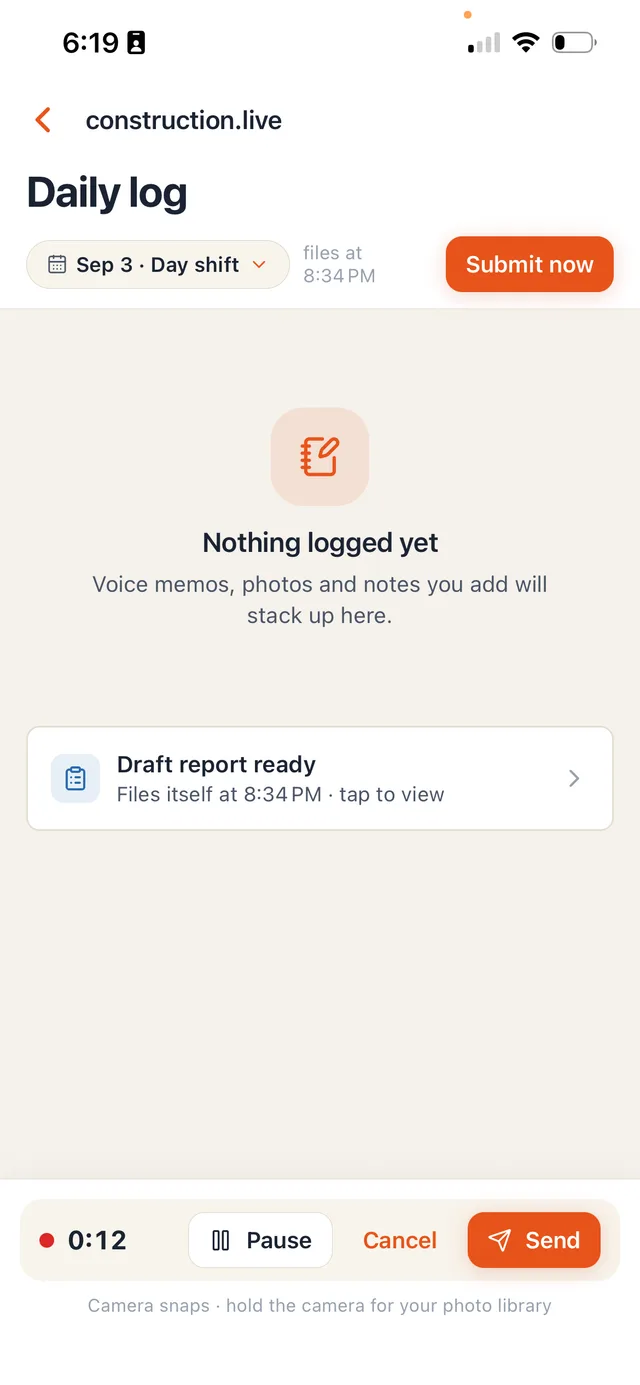
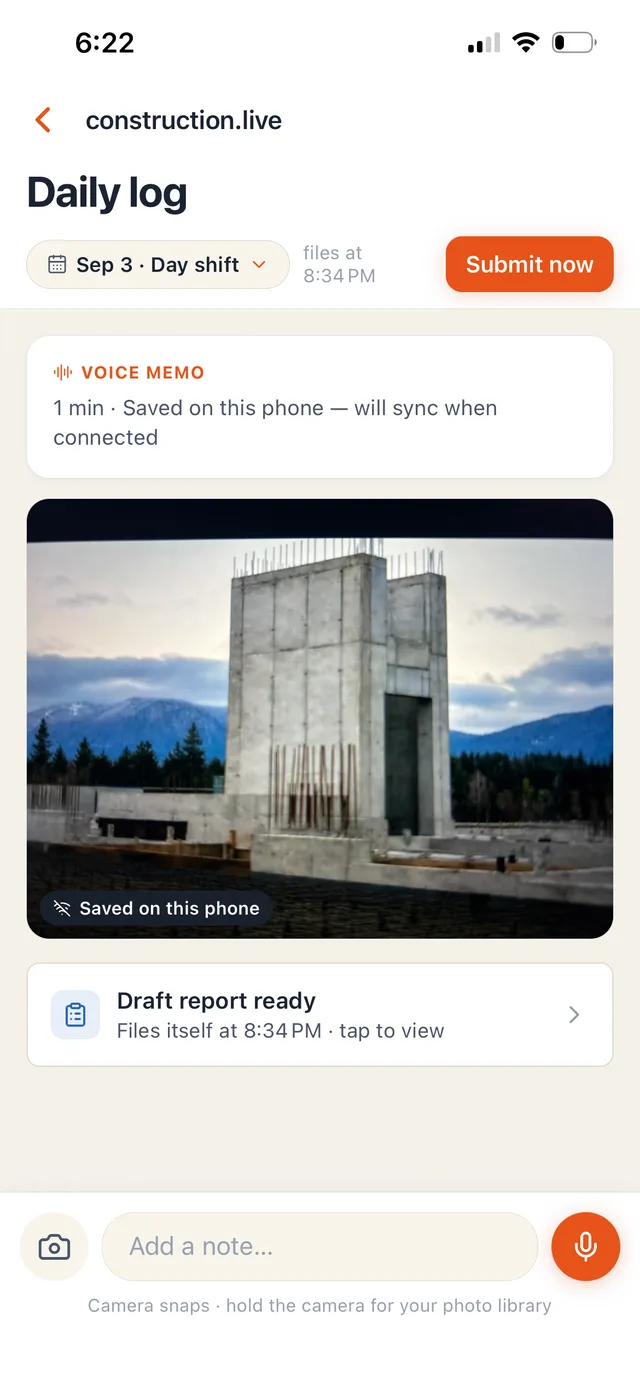
The daily record is created on site. It comes from inspections, photographs, calls, messages, meetings, delivery notes, and daily reports. Much of it arrives through mobile devices, WhatsApp, SMS, and conversations. If that information stays scattered, the office never gets a complete view.
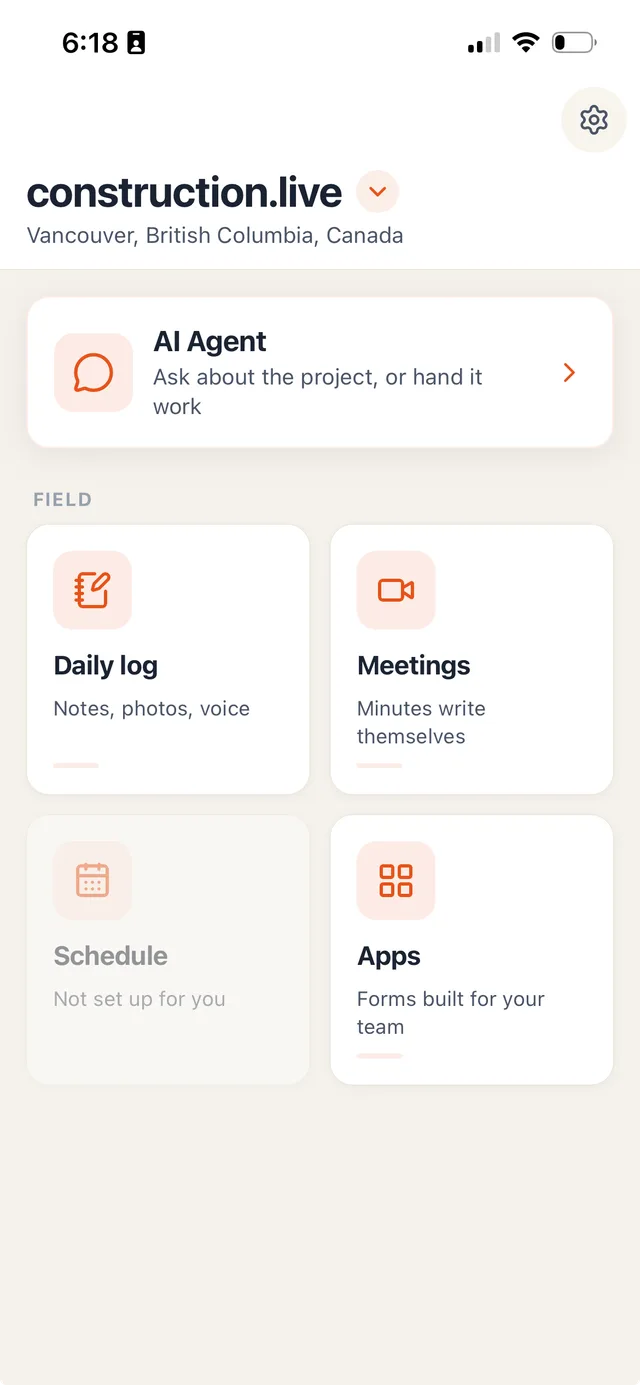
construction.live brings these workflows together. It helps collect the record, understand it, and connect it to the project. It also supports integrations with systems such as Procore through its API framework.
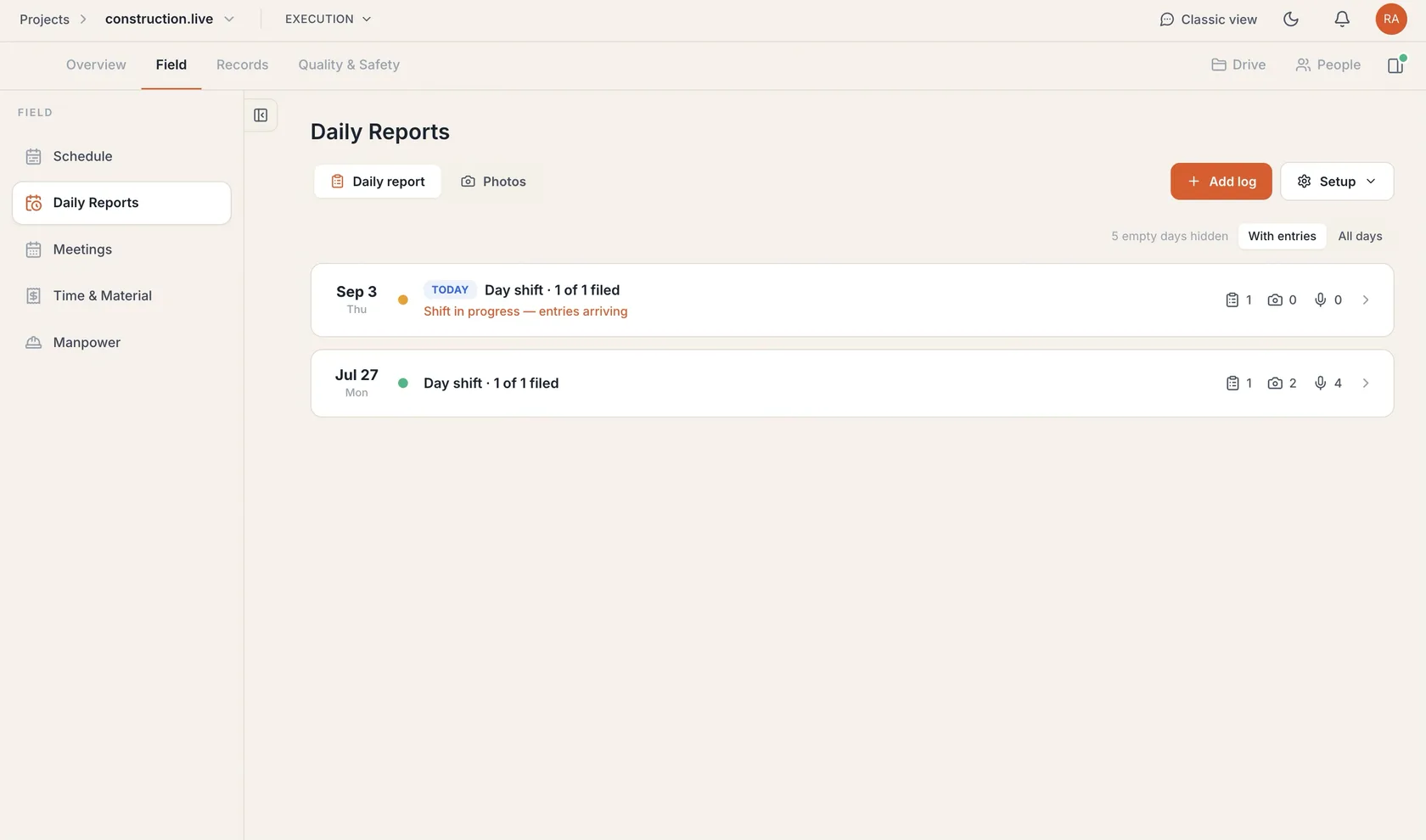
- Field reporting: Collect daily updates, inspection information, and site records.
- Messages and mobile work: Bring field communication into a usable project workflow.
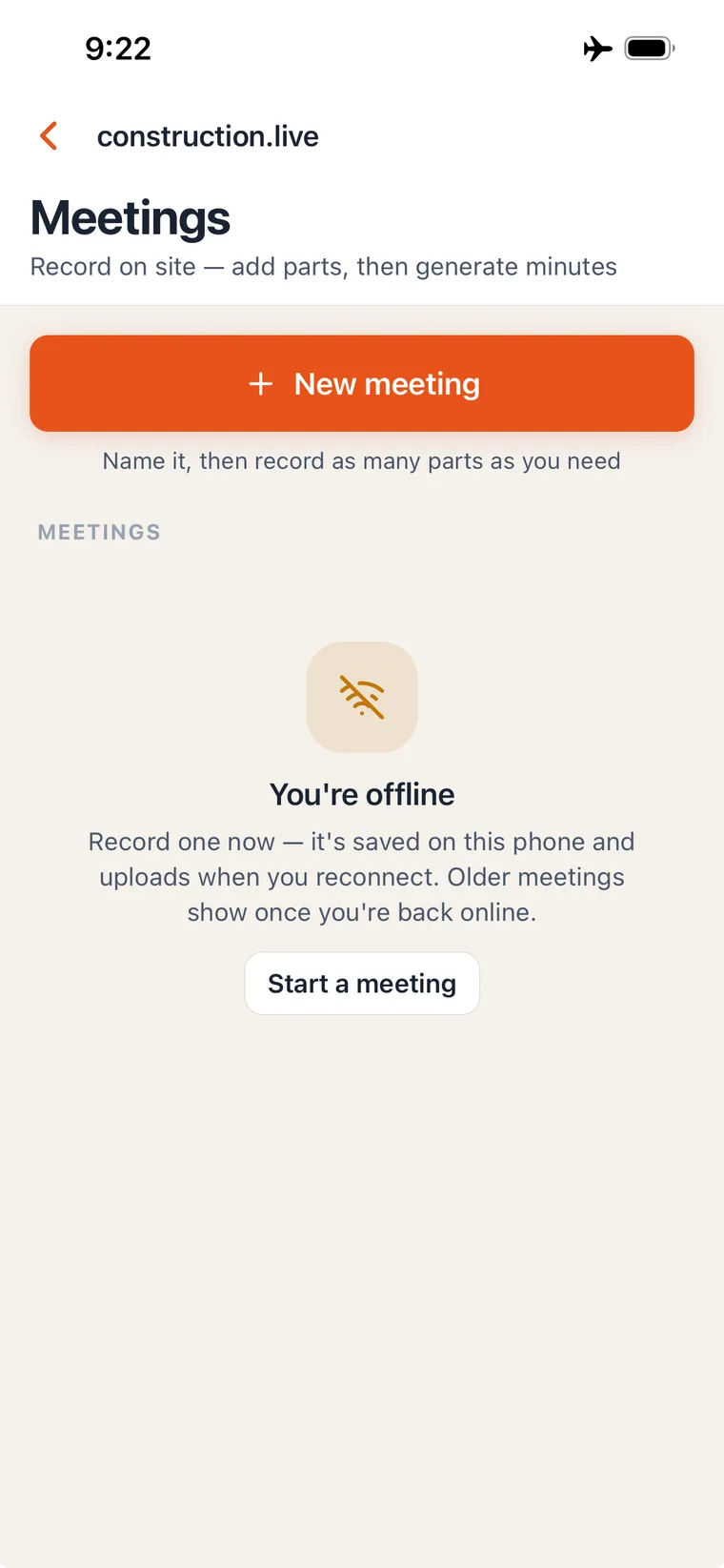
- Meetings: Capture decisions and follow-up items from online and in-person meetings.
- Photographs: Keep site images connected to their context and project history.
- Specialist AI: Use dedicated AI for estimating, finance, T&M, submittals, and more.
- Project integrations: Connect tools such as Procore through native support and APIs.
Authorization must be part of the AI workflow
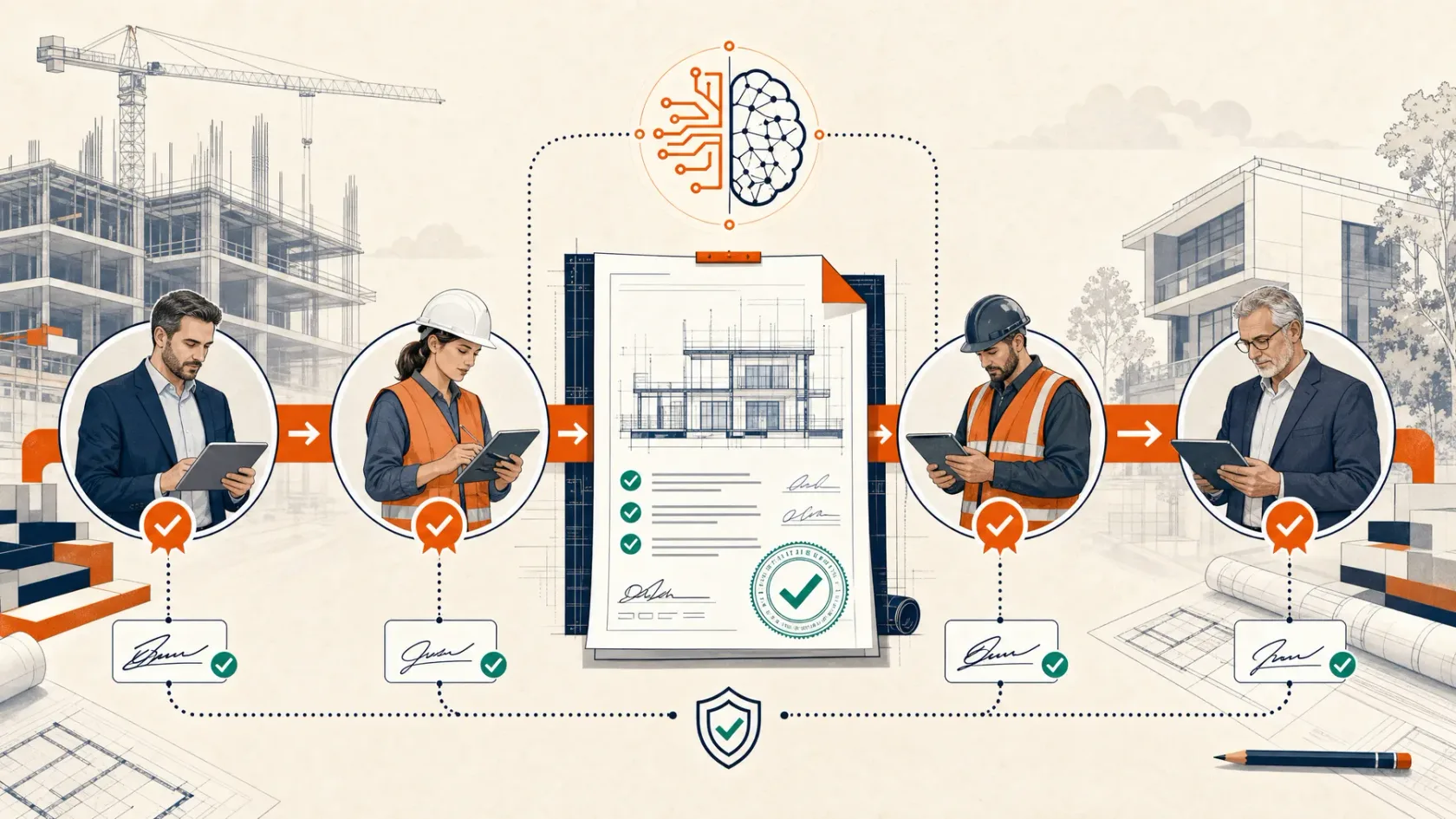
Construction is built on layers of review, sign-off, and approval.
A document may need authorization from a project manager before it reaches the engineer. A report may need a subcontractor's sign-off before it goes to the owner. A commercial submission may pass through several people before it is ready for final approval.
Creating the document is only the beginning. The real question is what happens next. Who must review it? Who can change it? Who has signed it? Is it ready to move forward? Where is the record of that decision?
In a general AI tool, the answer often leaves the AI workspace. The team downloads a file, sends an email, chases comments, saves another version, and builds a separate approval record. That creates more administration and more room for mistakes.
construction.live treats authorization as a first-class part of the system. A team can create a document or report, route it to the right people, collect their sign-off, and then submit it to the next approving entity. The authorization stays connected to the work.
- Defined reviewers: Send the document to the project manager, engineer, owner, or other responsible party.
- Ordered approvals: Move the work through the correct sequence instead of asking everyone at once.
- Recorded sign-off: Keep the authorization, comments, date, and responsible person connected to the document.
- Controlled submission: Confirm that internal review is complete before the document reaches an outside party.
Good support is part of the product
AI adoption can fail even when the software works.
Large technology vendors serve huge markets. Your support request may pass through several teams. Training may come from a third-party consultant. That person may understand software, but not the pace of a live construction project.
construction.live takes a more direct approach. We work closely with your team. We help shape the setup, train the people who will use it, and solve the problems that appear during adoption.
When needed, our forward-deployed engineers can work alongside your team. They can study the workflow, see where people get stuck, and turn that feedback into practical improvements.
Your company should not have to fit the product
Every contractor has its own approvals, records, commercial rules, and way of getting work done.
With a large general software provider, a good idea may never reach the product roadmap. It may help your company, but still be too small or too specific for the vendor to build.
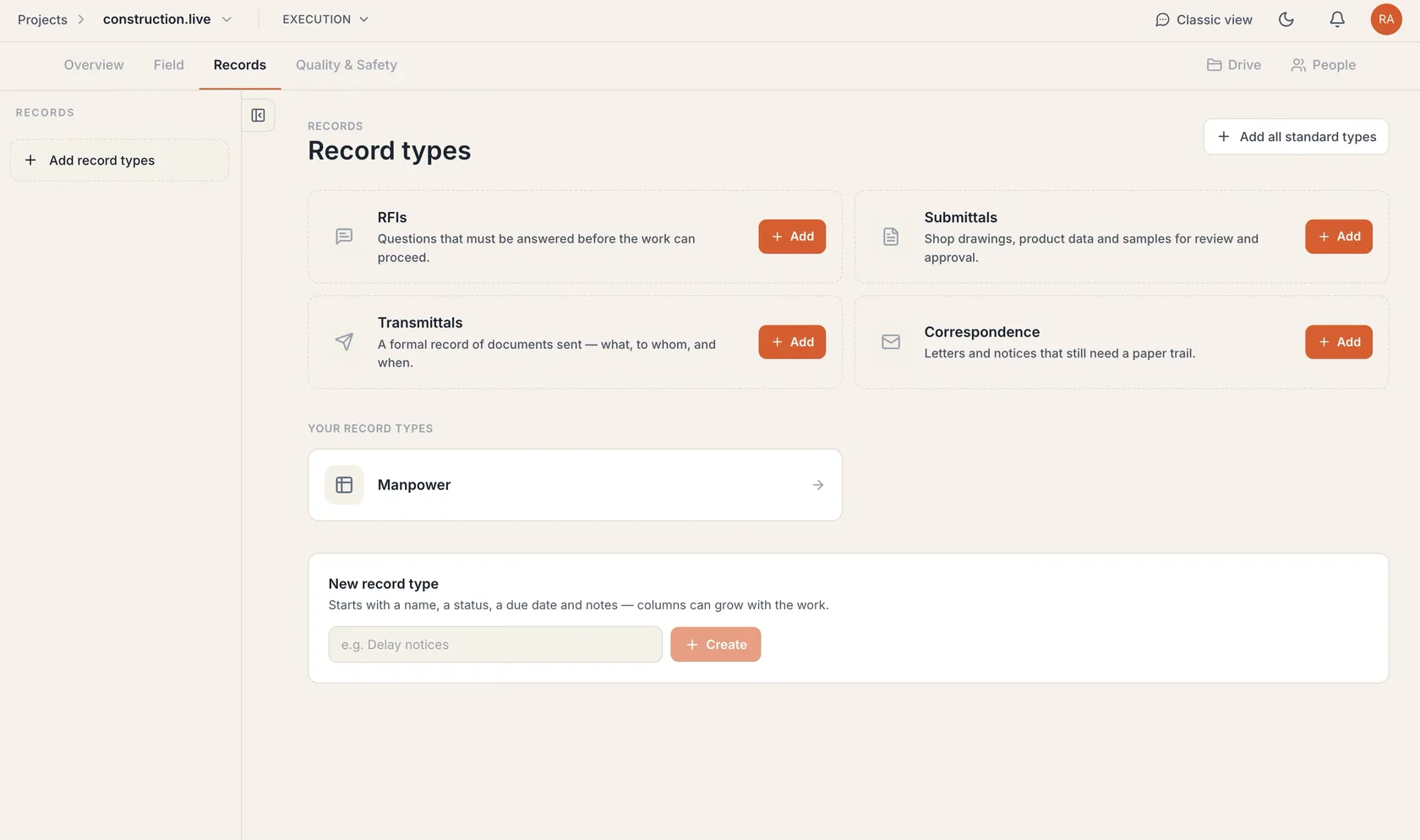
construction.live is designed to extend. Our app system can support new tools such as a company CRM, a custom approval flow, or a project-specific tracker. We can also shape workflows around the systems your team already uses.
A practical example
One client was issuing a high volume of time and material work. The pricing and paperwork were difficult to consolidate. They needed one place to capture T&M records, price the work, and organize the backup with AI.
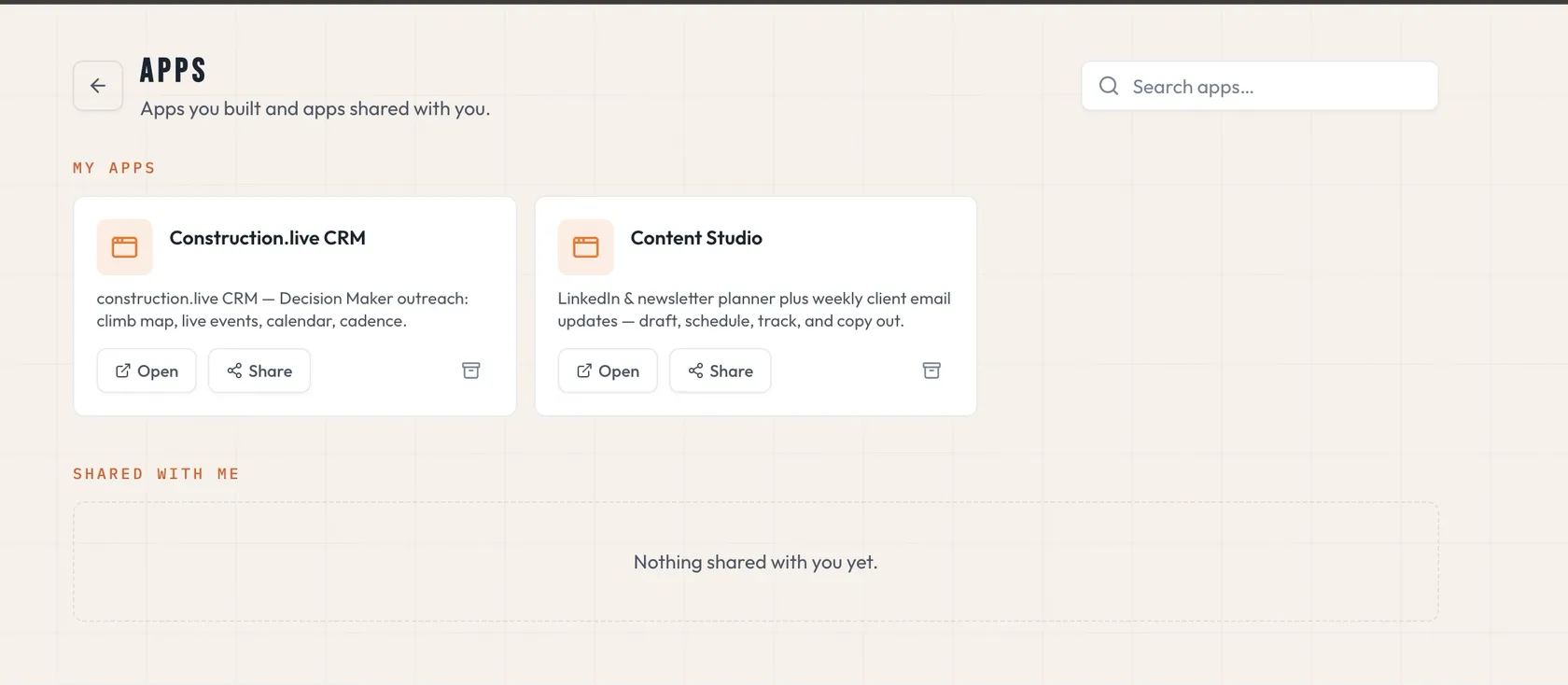
We implemented a T&M consolidation workflow in one week. The idea came from a real operating problem. The product changed to solve it.
- Company apps: Create focused tools for the workflows that make your business different.
- Fast iteration: Move from a site problem to a working solution without waiting for a global roadmap.
- API connections: Connect project and business systems instead of replacing everything at once.
- Reusable workflows: Turn a successful process into a repeatable company standard.
Do not tie your whole AI strategy to one model
Models will change. Prices will change. The best choice for one task may not be the best choice for another.
A product tied to one AI provider also ties your operations to that provider's pricing, limits, and roadmap. That can make a broad rollout harder to control.
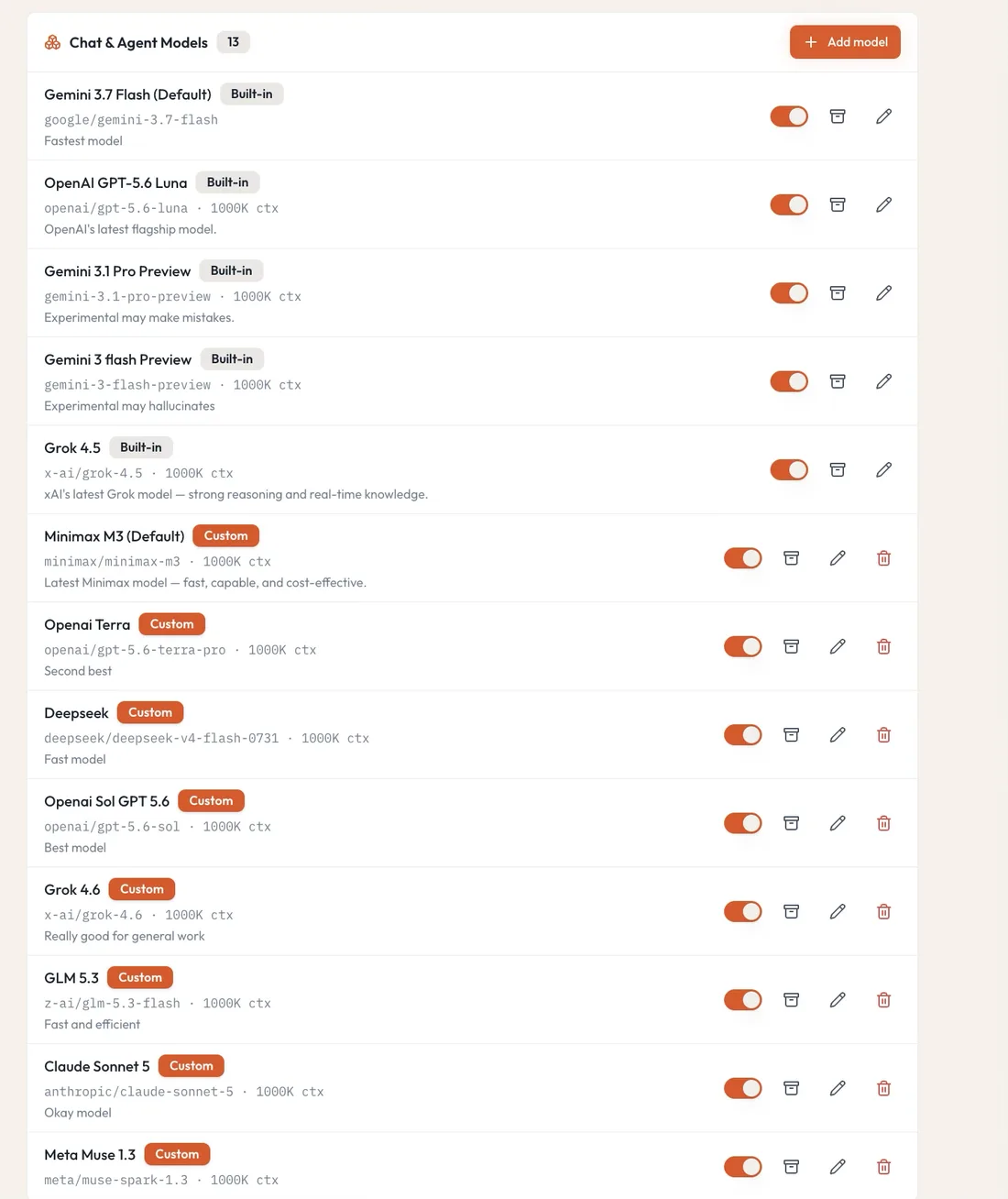
construction.live separates the construction workflow from the underlying AI model. It can work with models from providers such as OpenAI, Anthropic, Google, xAI, and open-source ecosystems. Your team can select the right model for the job, budget, and security requirement.
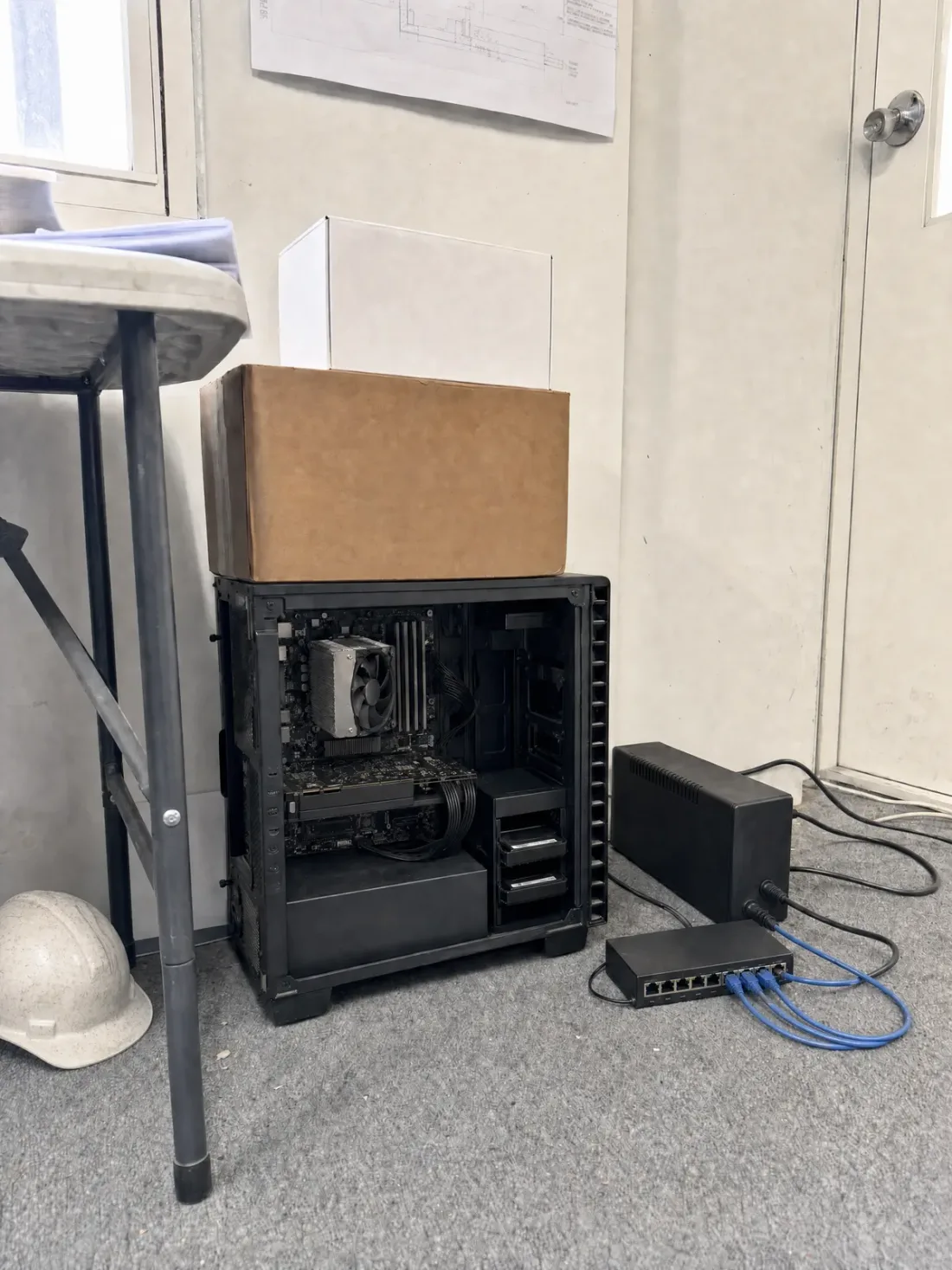
This gives you room to start small, expand across the company, and change the model mix as the market develops. Where appropriate, deployment options can also include models hosted in an environment you control.
- Choice: Use different models for different types of work.
- Cost control: Match model capability and cost to the task.
- Less lock-in: Keep the workflow even if the preferred model changes.
- Deployment options: Explore controlled or self-hosted model environments when they fit the need.
Do not pay twice for your own company's knowledge
Your real advantage is not a model. It is the knowledge your people have built over years of work.
That knowledge lives in estimates, lessons learned, corrections, workflows, project records, and the judgment of experienced people. Each time a team teaches an AI how the company works, it creates new institutional knowledge.
“You essentially pay for intelligence twice, once with money, and again with something even more valuable: the proprietary knowledge you must reveal to make that intelligence useful.” Satya Nadella, “The Reverse Information Paradox,” July 2026
Nadella's point goes beyond file security. AI systems learn from what people ask, the tools they use, and the corrections they make. That trail can reveal how a company thinks and works.
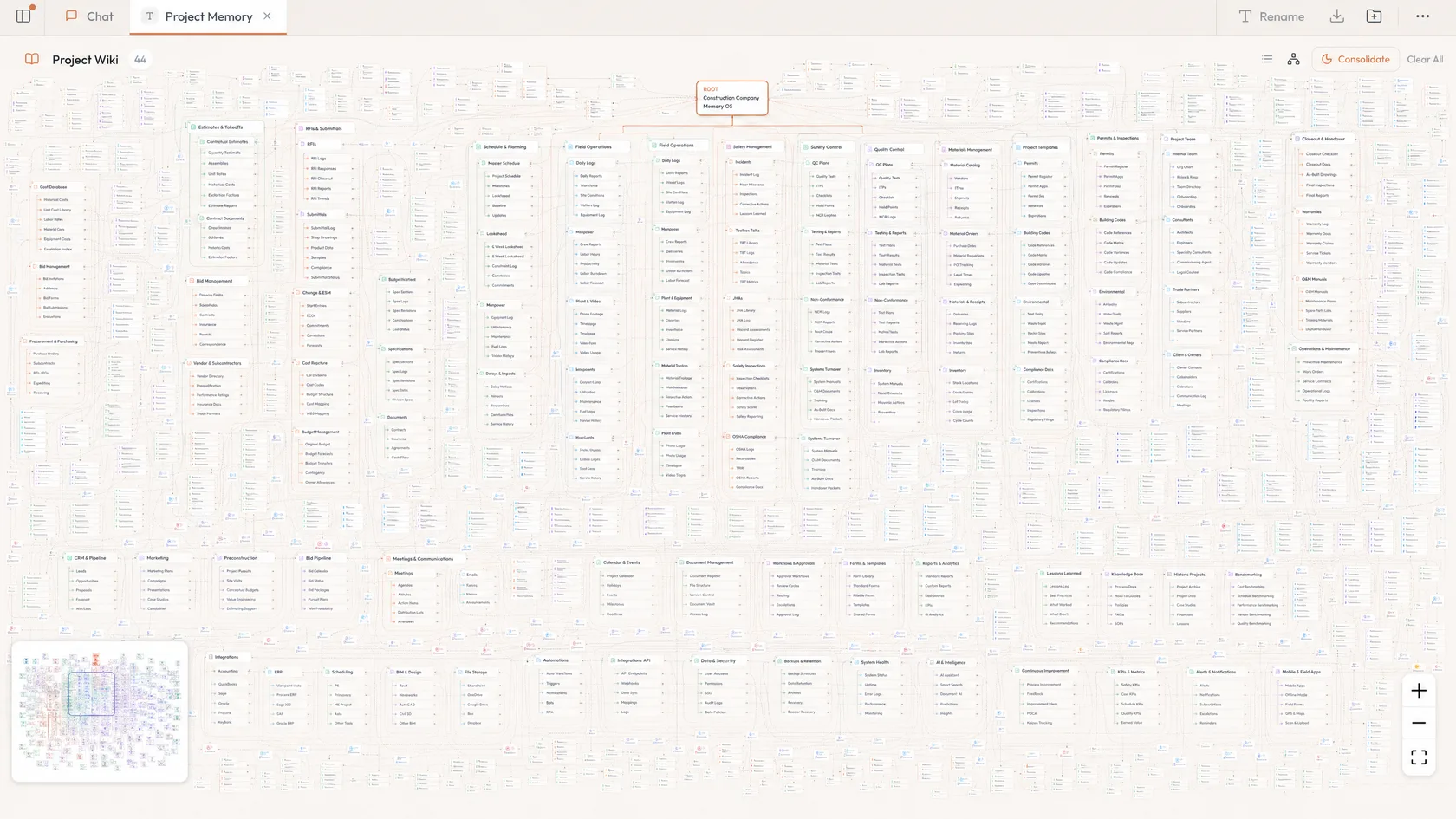
construction.live helps create a company knowledge system around your projects and processes. The goal is simple. Your organization's learning should compound for your organization. It should not disappear into disconnected chats or become more useful to a vendor than it is to your own team.
Buying AI is easy. Getting value from it is the real work
A license does not create adoption. People do.
General AI tools are built for many industries. That reach is valuable, but it can leave construction companies doing the translation. Your team must decide where AI fits, connect it to the work, create safe processes, train users, and keep the rollout moving.
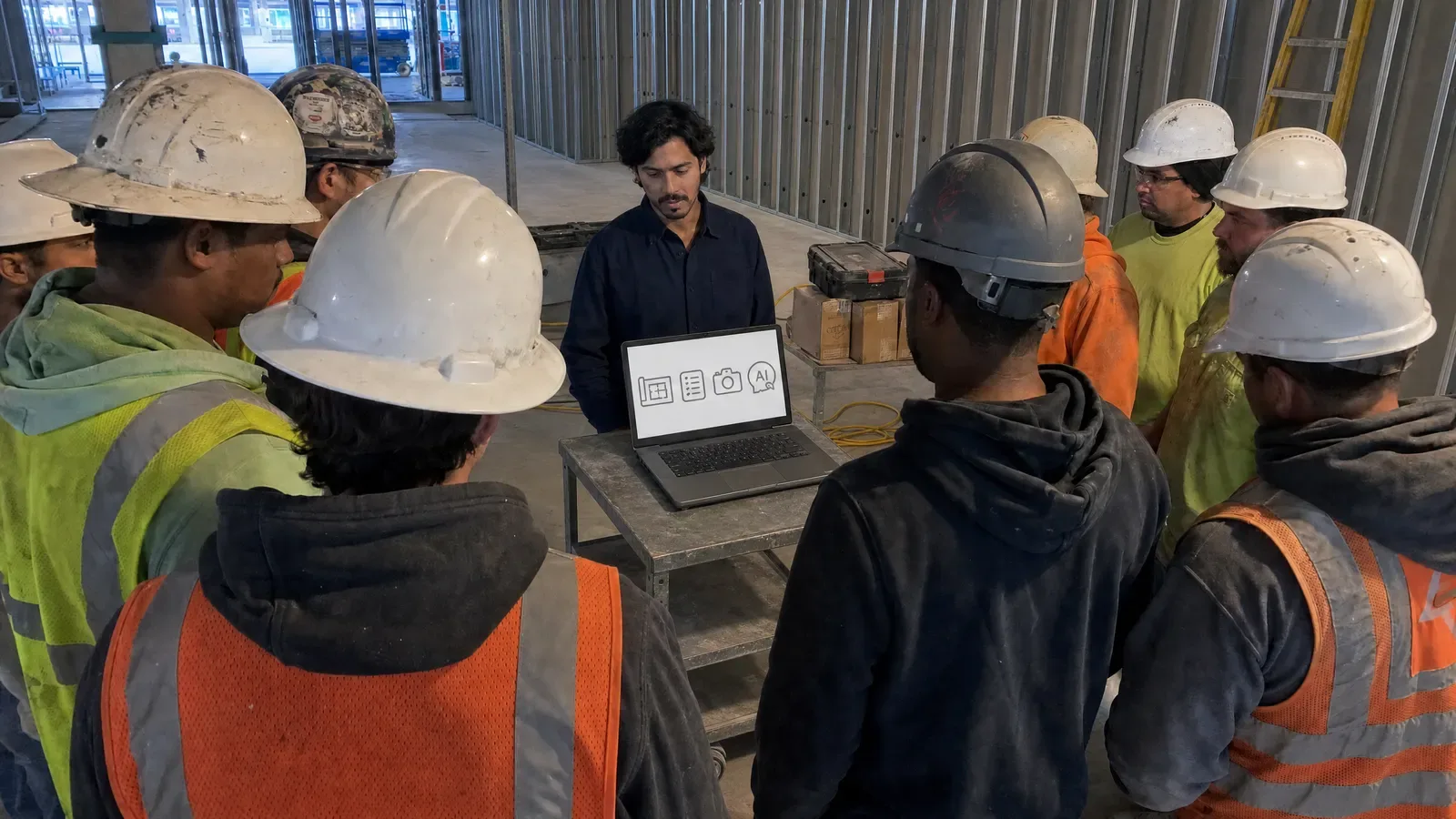
We understand that a site team cannot spend months learning a new system. The tool must fit the work. The training must use real construction examples. The setup must respect the pressure of bids, inspections, changes, and closeout.
construction.live combines construction knowledge, AI capability, implementation support, and close customer partnership. We can train the team, work beside them, and improve the system as their use grows.
What success should look like
- Estimators can move from drawings to checked quantities faster.
- Field information reaches the office with less chasing and retyping.
- Meetings, photographs, reports, and decisions become part of the project record.
- Company knowledge becomes easier to find and reuse.
- New ideas can become working tools while the need is still current.
- The company can control its model choices and costs as usage grows.
Source note
Satya Nadella, “The Reverse Information Paradox,” SN Scratchpad, July 2026. https://snscratchpad.com/posts/reverse-information-paradox
Product capabilities and integration availability should be confirmed against the current construction.live plan and implementation scope before publication.