
First, define the products correctly
“Copilot” can mean several Microsoft products. This article compares Claude for Work with the commercial Microsoft 365 Copilot experience.
Microsoft also offers consumer Copilot and Microsoft 365 Copilot Chat. They do not provide the same work-data grounding and in-app features as the paid Microsoft 365 Copilot license. Procurement teams should compare the exact licenses, not only the product names.
AI inside the Microsoft work environment
- Works across Word, Excel, PowerPoint, Outlook, Teams, and Microsoft 365 Copilot Chat.
- Uses Microsoft Graph and Work IQ to ground answers in content the user can access.
- Supports agents, connectors, and Copilot Studio for extension.
A general reasoning and creation workspace
- Works through chat, Projects, Artifacts, file creation, Research, and connected services.
- Connects to Microsoft 365, Google Workspace, Slack, GitHub, and MCP services.
- Offers Team and Enterprise administration, collaboration, and security controls.
The fundamental difference is where each product starts
Copilot starts with the Microsoft ecosystem. Claude starts with the reasoning task.
Copilot's strongest advantage is continuity. A project manager can use AI in an Outlook thread, a Teams meeting, a Word report, an Excel workbook, or a PowerPoint presentation without moving the work into a separate environment. If the company already maintains clean permissions and project content in Microsoft 365, that is a powerful position.
Claude's strongest advantage is focused interaction with complex information. It is well suited to asking follow-up questions, comparing documents, developing a structured analysis, creating an artifact, or working within a dedicated Project. Its connectors can also bring in Microsoft 365 and other systems, although the experience is not the same as having AI embedded natively in every Office application.
How they compare on everyday construction work
| Construction task | Microsoft 365 Copilot | Claude | Practical edge |
|---|---|---|---|
| Collect a daily report from the field | Can summarize information after it reaches Microsoft 365, but it is not a dedicated field capture app. | Can structure uploaded or connected information, but it is not a dedicated field capture app. | construction.live mobile app |
| Complete an inspection with photos and voice notes | Requires Forms, Power Apps, or another configured field workflow. | Requires another capture application or custom connector. | construction.live mobile app |
| Build a shared project wiki from field and office activity | Can search permitted Microsoft 365 content, but a project knowledge structure must be designed and governed. | Projects and enterprise search support knowledge work, but context and connector limits apply. | construction.live project wiki |
| Draft an RFI from emails and meeting notes | Strong when the source record is already in Outlook, Teams, or SharePoint. | Strong reasoning, but the user may need uploads or configured connectors. | Copilot in Microsoft-first firms |
| Review a long contract or specification | Useful through Word, SharePoint, and Copilot Chat. | Strong document conversation, comparison, and structured analysis. | Claude for focused review |
| Analyze a cost workbook | Native Excel workflow is a major advantage. | Can analyze and create spreadsheet files, but not as natively embedded in Excel. | Copilot |
| Create a project report or presentation | Strong continuity with Word and PowerPoint. | Strong drafting and file creation with flexible iteration. | Depends on final format and workflow |
| Summarize Teams meetings and email traffic | Native Microsoft context and permissions. | Possible through the Microsoft 365 connector after admin setup. | Copilot |
| Compare several narratives and develop a position | Capable, especially with work grounding. | Often a natural fit for sustained, detailed reasoning. | Claude |
| Run a drawing takeoff or verify quantities | Not a dedicated takeoff environment. | Not a dedicated takeoff environment. | Use construction-specific tools |
| Route a document through PM, engineer, and owner sign-off | Requires configured workflows, agents, or Power Platform. | Requires connectors or a separate approval system. | Use a platform with authorization built in |
AI output must be checked by qualified people. Neither product replaces the estimator, superintendent, project manager, engineer, architect, or other responsible professional.
The comparison changes when the field worker is the starting point
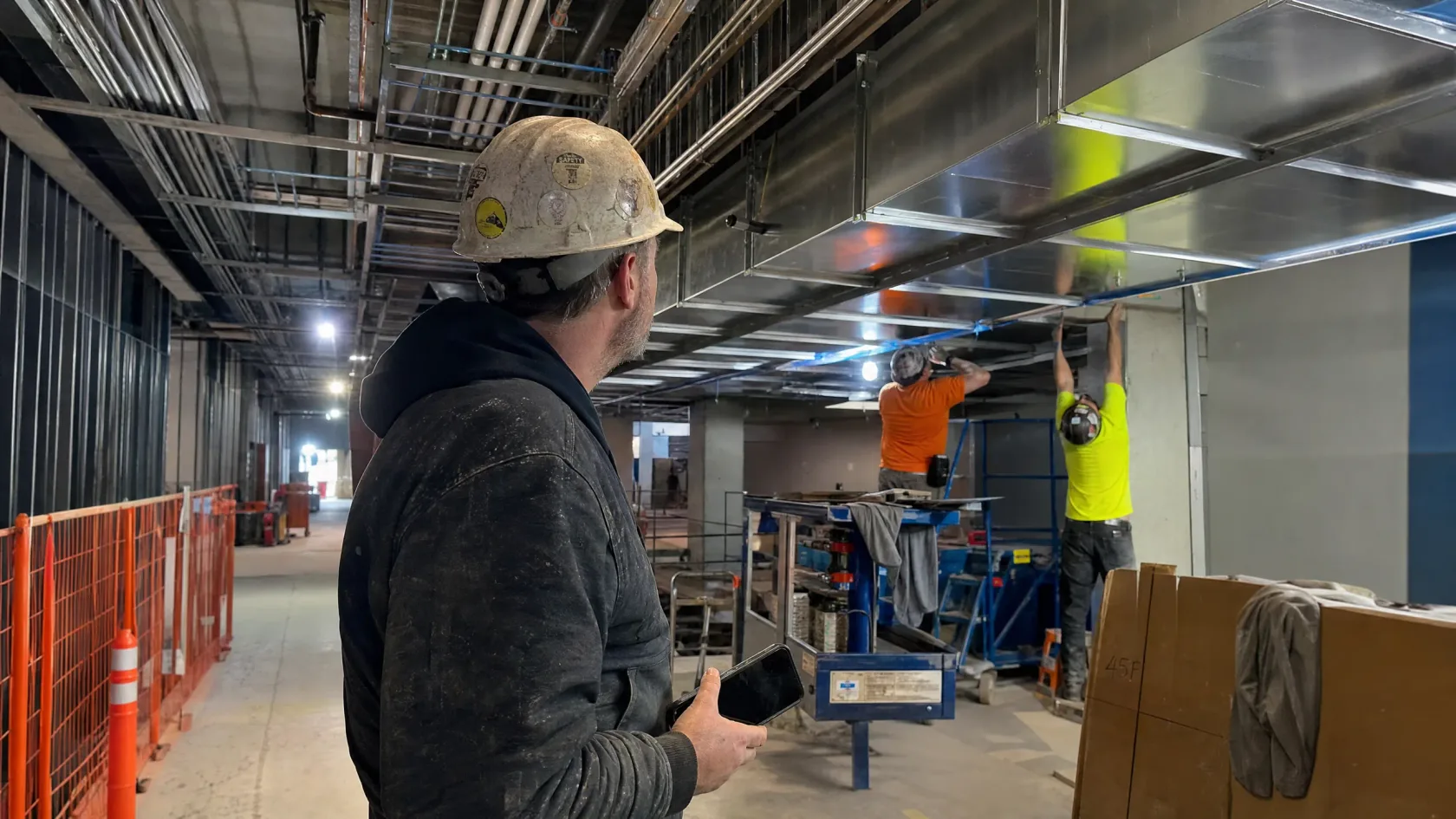
Most project knowledge does not begin in Word or in an AI chat. It begins with the people doing and observing the work.
A superintendent, foreman, inspector, or safety lead needs a fast mobile workflow that fits the site. construction.live is designed to collect the daily record through structured forms, photographs, voice notes, checklists, observations, and issue capture. The worker should not have to return to a trailer and reconstruct the day from memory.
The mobile app can support daily reporting, inspections, safety observations, progress photographs, crew and equipment records, weather, delays, and follow-up items. AI helps organize and draft the record, but the field user reviews what is captured before it becomes part of the official project history.
Daily records should build a project wiki, not disappear into separate folders
The value of field data grows when it becomes durable knowledge that can be found, checked, and shared across teams.
construction.live connects daily reports, inspections, photographs, meeting actions, RFIs, submittals, decisions, and lessons learned into a living project wiki. The goal is not another document dump. The goal is an organized knowledge layer that explains what happened, what was decided, who authorized it, and what the team should know next.
Field workers can contribute knowledge without becoming document administrators. Project managers can see emerging issues across daily records. New team members can understand prior decisions. Estimators and operations leaders can carry verified lessons from one project into the next, subject to company permissions and governance.
Knowledge is built continuously
- Daily reporting adds verified progress and constraints.
- Inspections add findings, evidence, and corrective actions.
- Photos and voice notes retain field context.
- Approvals connect decisions to responsible people and dates.
Knowledge is shared deliberately
- Project teams search one organized knowledge layer.
- Office and field users work from the same current context.
- Permissions control what crosses project and company boundaries.
- Reusable lessons improve future workflows and projects.
Both can read documents. That does not make either one a drawing platform
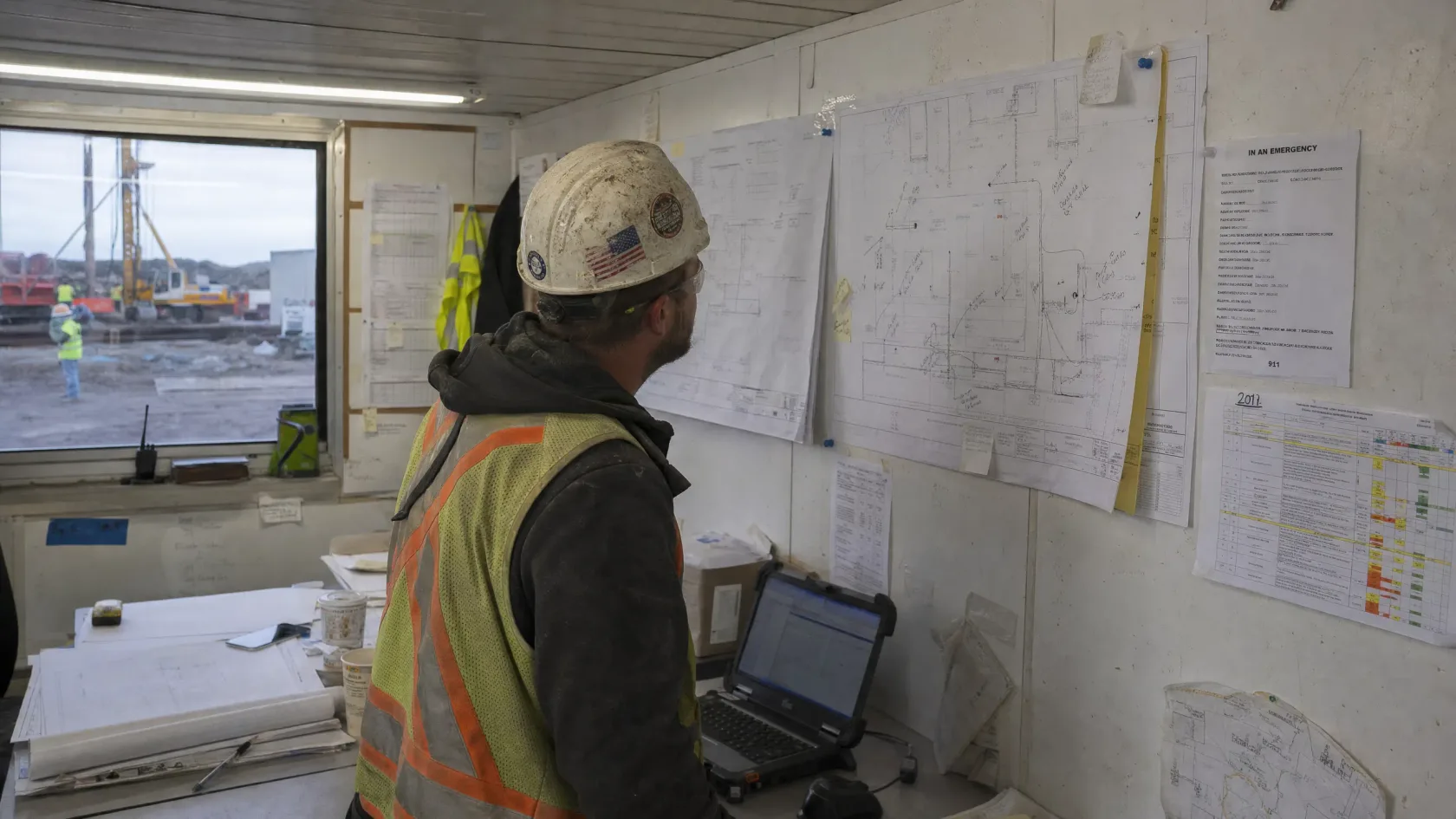
Construction documents contain text, tables, details, symbols, geometry, revisions, and relationships across sheets.
Copilot supports common Office and PDF workflows. Its value rises when the documents are organized in OneDrive and SharePoint and the user's permissions are accurate. Microsoft also provides file support and limits that vary by Copilot experience.
Claude supports large chat uploads, multimodal PDF analysis, images, and Projects. Anthropic's current help material states that chat uploads can include up to 20 files, PDFs up to 1,000 pages, and files up to 500 MB. Project files have different limits, including 30 MB per file, and their total usable content remains constrained by context. Non-PDF office files are generally text-extracted, so embedded images may not be interpreted.
For a contract, specification, report, or correspondence review, both tools can be useful. For plan measurement, assembly recognition, revision control, traceable quantities, and estimator verification, a dedicated drawing and estimation workflow remains necessary.
Integration depth may decide the winner
Microsoft 365 is the native home
Copilot can use Microsoft Graph permissions and organizational context. Microsoft supports synced and federated connectors, declarative agents, custom-engine agents, and Copilot Studio. This is attractive when the company already governs project information through Teams, SharePoint, OneDrive, Outlook, and Office.
A broader conversational workspace
Claude connects to Microsoft 365, Google Workspace, Slack, GitHub, and MCP services. Its Microsoft 365 connector can search SharePoint and OneDrive, review Outlook information, and pull context from Teams, subject to delegated permissions and administrator approval.
Neither vendor's official material reviewed for this article presents a complete, native construction operating environment covering Procore, Autodesk Construction Cloud, Bluebeam, P6, drawings, field reporting, T&M, submittals, and layered authorization as one first-class workflow.
An agent or connector can close some gaps. It also creates implementation work. Teams must define permissions, actions, data movement, error handling, ownership, and the human approval point. A connector is not the same as a finished construction process.
Commercial plans offer serious controls, but configuration still matters
The safer product is the one your organization configures, governs, and monitors correctly.
Microsoft 365 governance continuity
- Microsoft states that commercial prompts, responses, and Graph data are not used to train foundation models.
- Copilot respects existing user permissions.
- Enterprise Data Protection, Purview, sensitivity labels, and admin controls can support governance.
- Third-party agents can carry their own terms and data-handling implications.
Commercial privacy and enterprise controls
- Anthropic states that Team, Enterprise, and API content is not used for model training by default.
- Enterprise options include SSO, SCIM, audit logs, custom retention, Compliance API, and customer-managed encryption keys.
- Connectors use delegated access and can be restricted by administrators.
- Third-party MCP connectors carry their providers' terms and privacy policies.
Permission hygiene is especially important in construction. Joint ventures, subcontractors, consultants, and owners may share systems without sharing the same contractual right to every record. AI can reveal an existing oversharing problem faster. Before rollout, review project sites, groups, external access, retention rules, sensitivity labels, and connector scopes.
Compare total rollout cost, not only seat price
Pricing models differ, change frequently, and can hide implementation or usage costs.
At the time of review, Microsoft's official US enterprise pricing listed Microsoft 365 Copilot at $30 per user per month with annual billing, plus a qualifying Microsoft 365 plan. Microsoft 365 Copilot Chat is available with eligible plans at no additional seat cost, while agents can introduce metered consumption. Business offers and promotions vary.
Anthropic's official Team information listed Standard seats at $20 per member per month with annual billing or $25 with monthly billing, and Premium seats at $100 per member per month with annual billing or $125 with monthly billing. Public Enterprise material listed a $20 per-seat monthly fee billed annually, with usage billed separately at API rates and minimum seat requirements. Pricing pages and plan structures can change.
Include these costs in the decision
- Base productivity licenses and AI seats
- Agent, connector, API, and consumption charges
- Integration and permission cleanup
- Training, prompt guidance, and adoption support
- Human review and authorization workflows
- Administration, monitoring, and ongoing improvement
Pricing above is a snapshot from official vendor pages reviewed in September 2026. Confirm live pricing, eligibility, promotions, usage limits, taxes, and contract terms directly with each vendor.
Which one should a construction company choose?
Choose Copilot when
- Your work is centered in Microsoft 365.
- Teams, Outlook, SharePoint, Word, Excel, and PowerPoint are the daily workflow.
- Native Office continuity matters more than a separate AI workspace.
- Your IT team already operates Microsoft identity, compliance, and Power Platform.
Choose Claude when
- You prioritize deep document conversation and iterative reasoning.
- Your users need flexible Projects, artifacts, research, and file creation.
- Your information spans Microsoft, Google, Slack, GitHub, or MCP sources.
- You want a strong general AI workspace outside a single office suite.
Choose construction-specific AI when
- A mobile app must collect daily reports, inspections, photographs, voice notes, and issues where the work happens.
- Field and office activity must build a shared, permission-aware project wiki.
- Drawings, takeoff, project controls, and approvals must stay connected to that knowledge.
- Authorization must follow project roles and contractual steps.
- You need construction workers, benches, and integrations rather than a general assistant.
- Your team needs implementation support from people who understand construction.
A practical pilot
Do not begin with a company-wide vote. Test both products against the same controlled set of work. Use a mobile daily report, a field inspection with photos and voice notes, a project-wiki retrieval test, a contract review, an RFI draft, a cost report, and an approval process. Score field adoption, completeness, source traceability, knowledge reuse, output quality, time saved, correction effort, permission handling, and what happens after the draft is created.
Official sources
- Microsoft, “Microsoft 365 Copilot Plans and Pricing.” microsoft.com/en-us/microsoft-365-copilot/pricing
- Microsoft Learn, “Microsoft Copilot overview.” learn.microsoft.com/en-us/microsoft-365/copilot/microsoft-365-copilot-overview
- Microsoft Learn, “Data, Privacy, and Security for Microsoft Copilot.” learn.microsoft.com/en-us/microsoft-365/copilot/microsoft-365-copilot-privacy
- Microsoft Learn, “Agents for Microsoft 365 Copilot.” learn.microsoft.com/en-us/microsoft-365/copilot/extensibility/agents-overview
- Microsoft Support, “File formats supported by Microsoft Copilot.” support.microsoft.com/en-us/microsoft-365-copilot/file-formats-supported-by-microsoft-365-copilot
- Anthropic, “Plans & Pricing.” claude.com/pricing
- Anthropic Help Center, “What is the Team plan?” support.claude.com/en/articles/9266767-what-is-the-team-plan
- Anthropic Help Center, “Upload files to Claude.” support.claude.com/en/articles/8241126-upload-files-to-claude
- Anthropic Help Center, “Use connectors to extend Claude's capabilities.” support.claude.com/en/articles/11176164-use-connectors-to-extend-claude-s-capabilities
- Anthropic Privacy Center, “Is my data used for model training?” privacy.claude.com/en/articles/7996868-is-my-data-used-for-model-training
Product capabilities, prices, limits, and terms change. Verify current vendor documentation before procurement or publication. Product names and marks belong to their respective owners.